
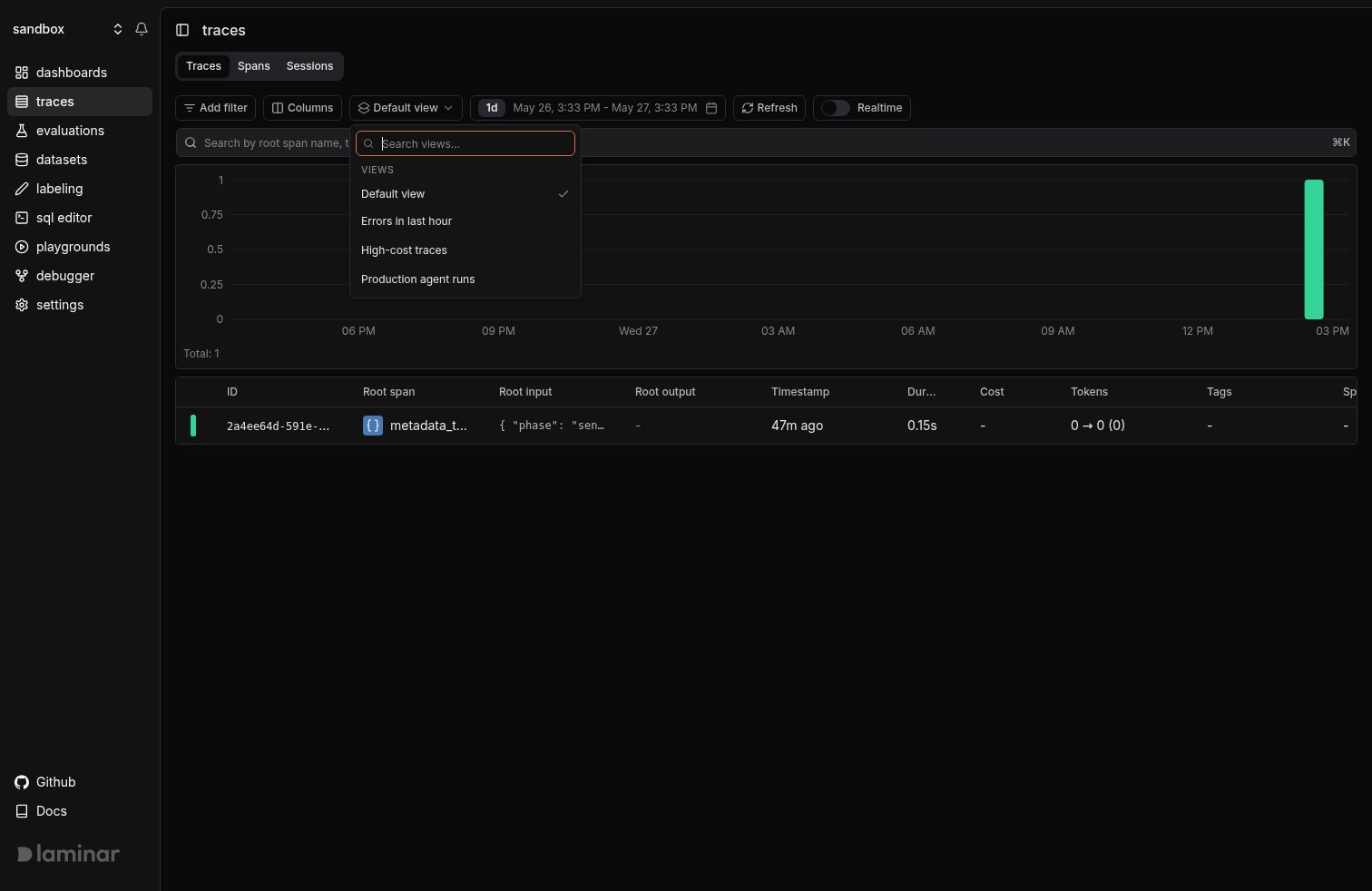
The view picker on the traces table, with three saved views.
Save a view
Set up the table the way you want it. The picker shows an amber dot when the current state has drifted from any saved view; open it and the Unsaved changes section appears:- Save changes writes back to the active view.
- Save as new view prompts for a name.
- Discard changes reverts to the active view (or to
Default viewif none is loaded).
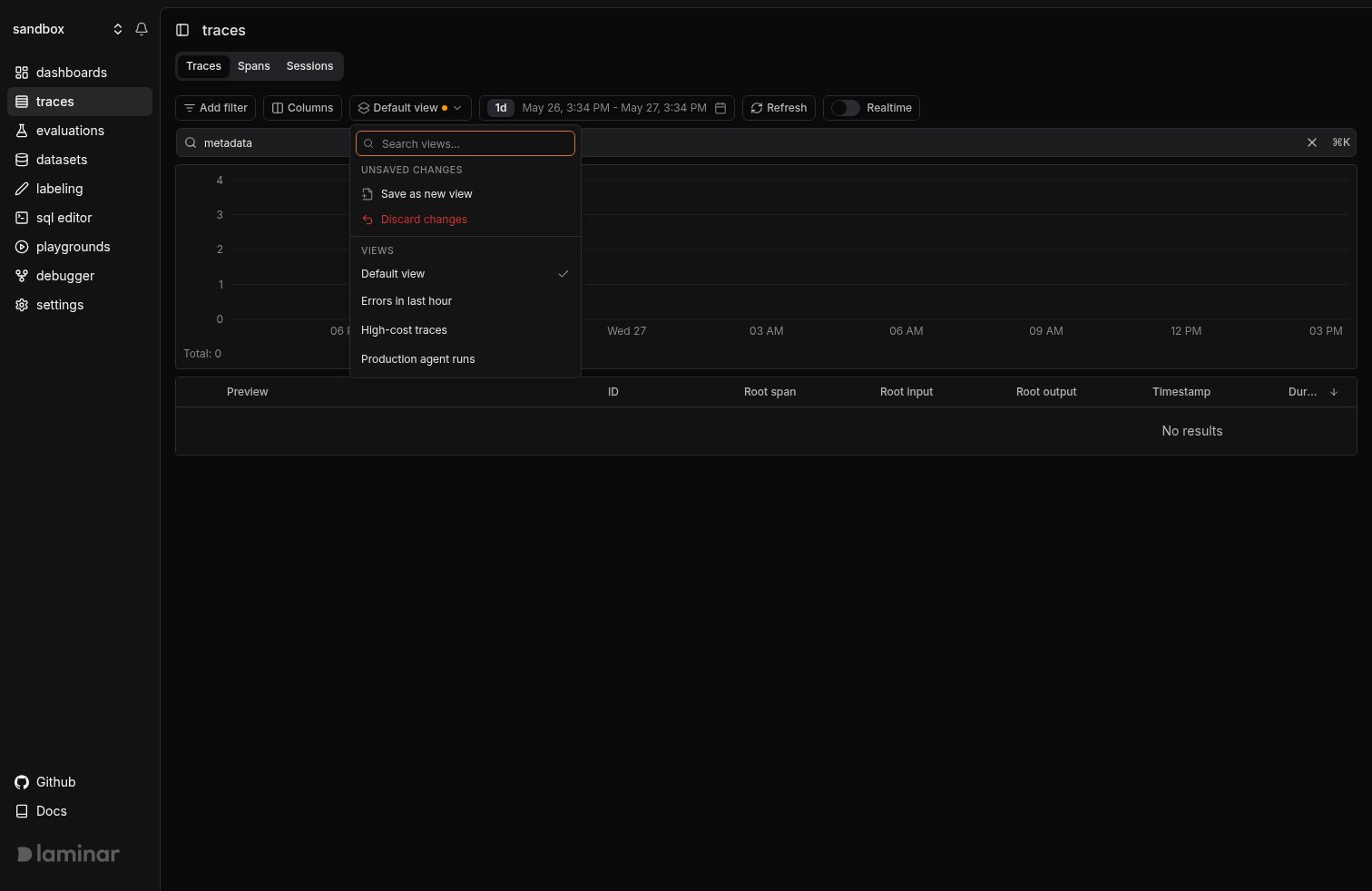
The Unsaved changes section appears when the table state has drifted from the active view.
Example: Most expensive traces
Sort the Traces table by Cost descending, hide the columns you don’t need (root output, tags, metadata, session/user id), and save it as High-cost traces. Anyone in the project opening the Traces tab can pick that view from the dropdown to land on the same focused table.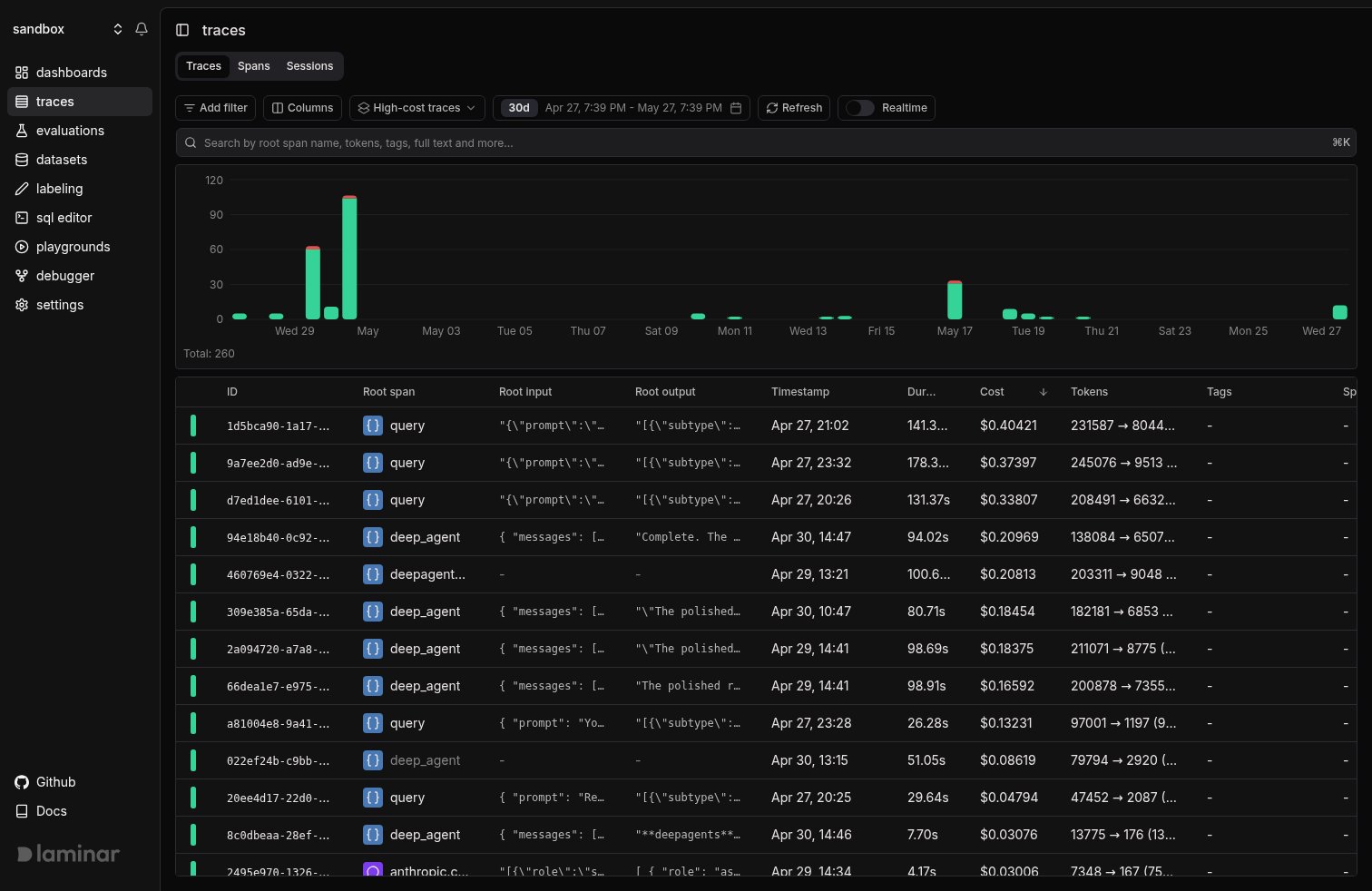
The Traces table with the High-cost traces view applied: sorted by cost desc, with low-signal columns hidden.
What’s next
Full text search
Search across span input, output, and attributes; saved into a view alongside your filters.
SQL Editor
When a view’s filters are not enough, drop into raw SQL across traces, spans, signals, and evals.